Garage library
Engine Sim on a Bluetooth Speaker or Car Stereo: Setup Guide
Play it through a Bluetooth speaker or your car stereo: pairing order, latency notes, and the tunnel-blip ritual.
On this page
Why bother
Through a real speaker system, engine sim apk is a different app. The V8 rumble gains a chest you can feel, the W16 gets its depth, and the little kei turbo becomes comedy gold. If you have only ever heard it on a phone speaker, you have heard the demo, not the show.
Bluetooth speaker setup
Pair the speaker in Android Bluetooth settings before opening Engine Sim. Then launch the app and rev. If audio still comes from the phone, toggle Bluetooth off and on once with the app open; Android occasionally needs the nudge. Keep the phone within a few meters to avoid stutter.
Car stereo setup
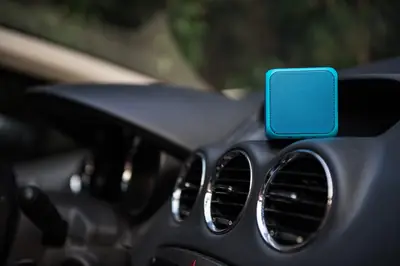
Same drill with your car's Bluetooth audio: pair the phone as a media device, select Bluetooth as the car audio source, then open the app. Parked car, obviously. The tunnel-blip ritual (windows down, V10, full throttle blip) is a rite of passage, performed responsibly and at reasonable hours.
Latency notes
Bluetooth adds a small delay between your finger and the sound. For casual revving you will never notice it. For precise heel-and-toe practice, a wired connection (aux cable or USB audio) keeps everything tight. The shifting guide is where that precision pays off.
Grab the file
Starting fresh? The scanned XAPK is on the Engine Sim download page.