
Garage library
Make Engine Sim Sound Better: Speaker and Settings Tips
Sounds thin on your phone? Speaker placement, in-app settings, and the Bluetooth upgrade that changes everything.
On this page
Your phone speaker is the bottleneck
Here is the uncomfortable truth about the Engine Sim: the synthesis is excellent, but a phone speaker is a tiny, tinny instrument. It cannot move the air a V8 needs. Everything below is about giving those 28 engines a fair fight.
Free wins first
Set the phone on a hard table, speaker facing up and unobstructed; a table acts as a sounding board and adds surprising body. Crank media volume to max inside the app, and in Engine Sim settings try a longer exhaust on the engine you are revving. Longer exhausts emphasize the low frequencies small speakers struggle with least.
The Bluetooth upgrade
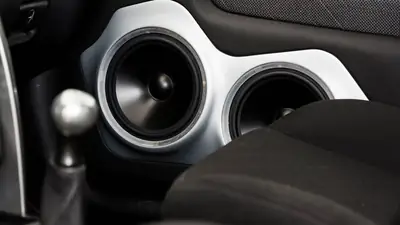
This is the single biggest improvement you can make. A decent Bluetooth speaker gives the V8s their rumble and the W16 its depth back. Pair before opening the app, and if audio stays on the phone, toggle Bluetooth once. The car stereo setup guide covers bigger systems.
In-app settings that matter
If you hear crackling at high revs, drop the sound quality one notch in settings; it trades a little detail for clean audio on weaker hardware. And close background apps: audio glitches love a busy phone.
The ten-second test
Rev the 6.2 Big-Torque V8 in Engine Sim on your phone speaker, then on any Bluetooth speaker. That gap is what you have been missing. The file is on the download page if you are starting fresh.